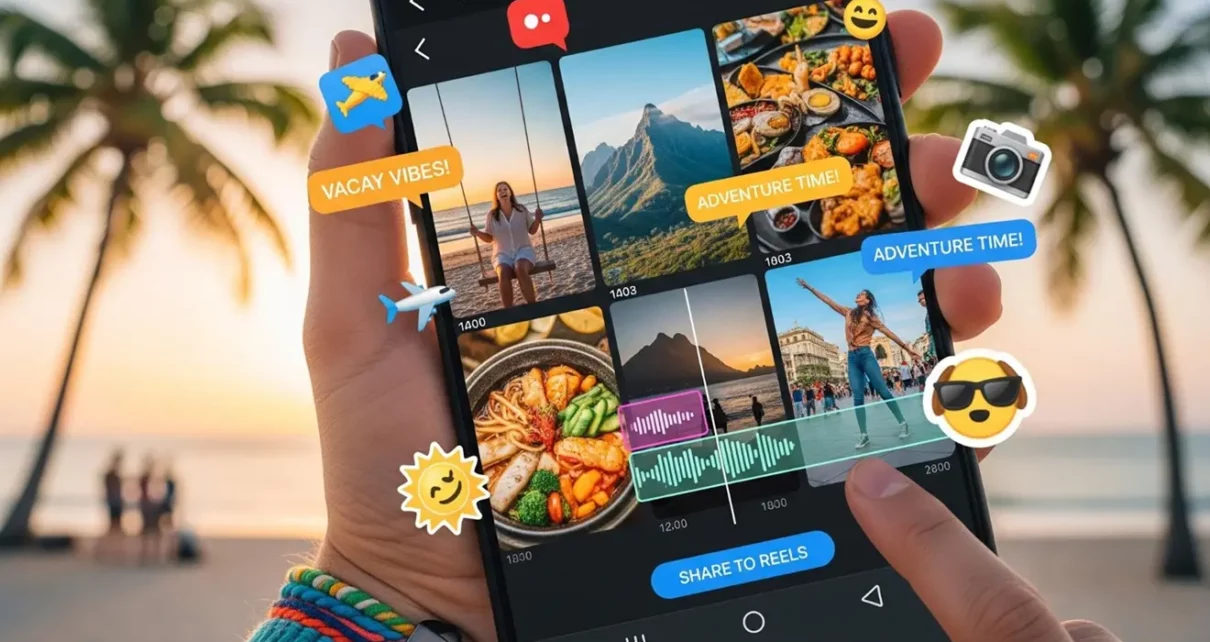
You have just returned home after an awesome vacation. Perhaps it was a week in the mountains, an impulsive road trip with friends or lastly checking out that beach destination you have always wanted on your bucket list. There are videos on your phone, shaky shots of the boat, golden hour shots of the cliff, and all the silly moments that somehow turned out to be the most memorable of the trip.
And then… they just sit there. Lost somewhere in your camera phone, becoming digital rubbish.
Sound familiar? Most of us have been there. It is not the issue that we do not have good footage. It is because it seems more like work than it is worth to transform raw vacation videos into something shareable. But it doesn’t have to be. The correct attitude and a handful of clever apps can transform you into an unstructured pile of clips to high-quality social media content in a shorter amount of time than you may anticipate.
Start by Picking Your Best Moments
The biggest mistake that people commit is to attempt to cover everything. That 45 minute GoPro video on the kayak? You do not need any of it, you simply need the 20 seconds when somebody dropped in and everyone laughed.
Prior to launching any editing program, simply go through a fast scroll through your videos and select those instances that did trigger some emotion within you.
- Noisy laughs
- Gap-jawing scenery
- Uninhibited reactions
Those are your raw materials. Unless otherwise, aim at 5-30 seconds long clips. This will lose the attention of people before the good part comes by. In the event that you have your shortlist ready, you are then ready to actually construct something that is worth posting.
Choose an Editing App That Matches Your Skill Level
You do not have to be a video editing expert to create something that looks amazing. The application range has actually become so much better that a simple user can create flawless, entertaining videos without an instructional manual.
Mobile Editing Options
InShot and CapCut will be two good places to start as far as mobile editing is concerned. Their interfaces are both user-friendly, their music collections are relatively good, and they have in-built trim and transition as well as text overlay capabilities.
Desktop Editing Options
On desktop, and willing to spend a bit more time to have a little more control, DaVinci Resolve has a free version that actually proves to be quite powerful once you get the learning curve under your belt.
The trick is to choose one and go with it until it becomes comfortable. Switching between apps is how you lose time and with nothing accomplished.
Clean Up Your Background Without a Green Screen
Now here is a consideration only hitting many of us, probably, after the shooting is on its way, and video background can be a huge deciding factor. When you pick a still frame to serve as a thumbnail or just want to tidy up the visuals of a particular shot, a messy or distracting background can undermine what is otherwise a good shot.
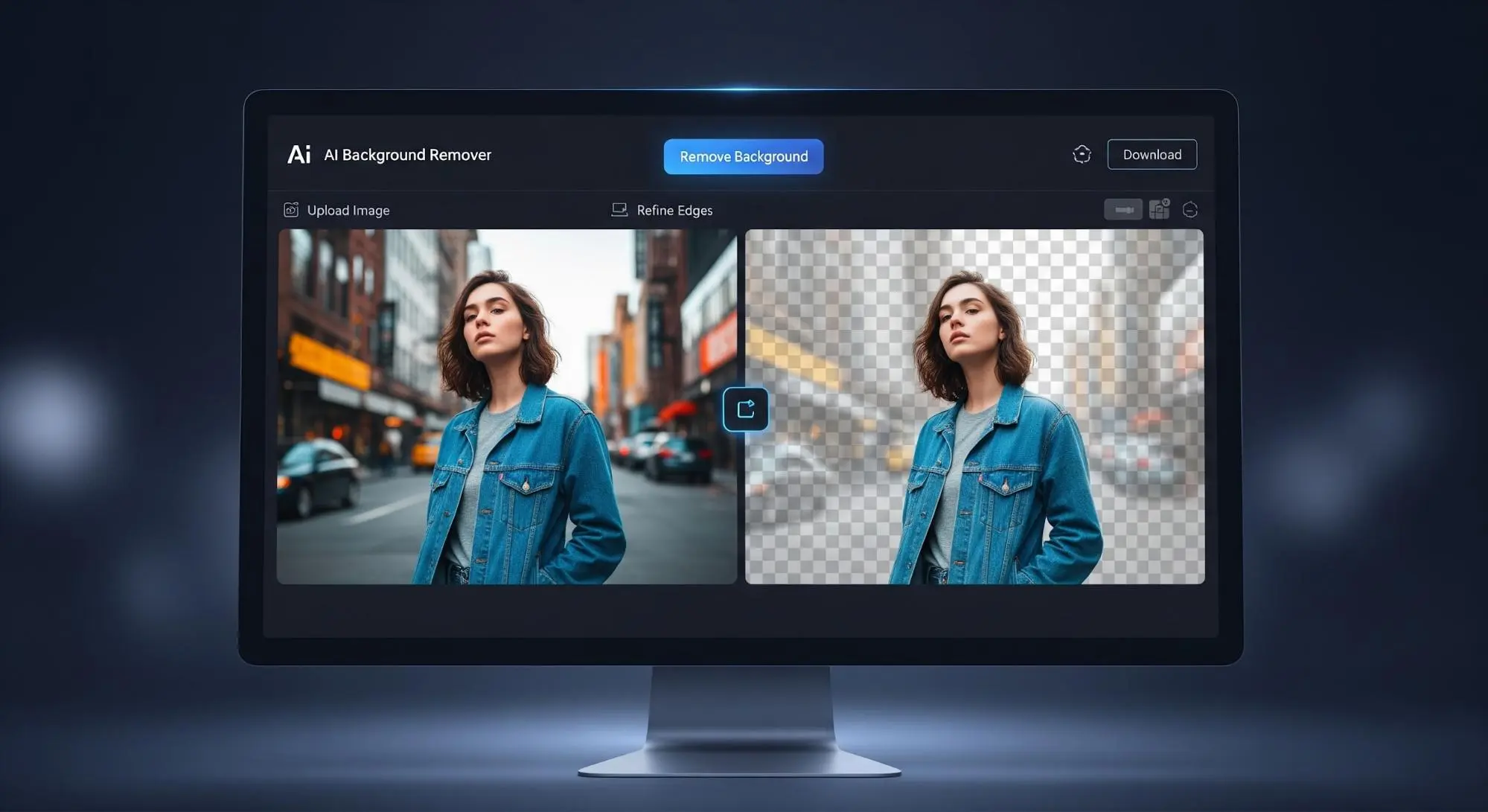
This is where an AI Background Remover tool comes in handy. The tools require no professional studio set up since they can isolate your subject and auto clean the background. Fit best when the travel content creator is interested in a more professional appearance but has not shot anything.
Match Your Format to the Platform
Not all clips can be used across all platforms, and the format actually does count.
- Instagram Reels and TikTok: Designed with upright 9:16 video.
- YouTube Shorts: Is not an exception.
- Facebook: Can still be compatible with square or horizontal with respect to your audience.
In case you are sharing to many platforms, most editing applications allow you to save in various aspect ratios without needing to re-edit the entire post. That is an adjustment too slight, but too large to render at the time when the content is posted and will help you appear like a professional.
Don’t Forget Captions
Also — captions. It is astonishing that many individuals view social media videos without turning the sound on. With the addition of text overlays or auto-generated captions, your content will still get ground when there is no audio. It is now integrated into the majority of modern editing apps, so there is no reason why it should be ignored.
Turn the Best Clips into GIFs for Extra Shareability
There are times when it is too good to be in the video. A well-timed response, a gorgeous sunrise loop, a friend wiping out in an absurd manner, these are the sorts of videos that individuals do in fact share, save and send to one another.
A Video to Gif converter can take those short moments and transform them into lightweight, loopable GIFs that are easy to drop into messages, stories, or even blog posts. GIFs load quickly, are cross platform, and possess a kind of nostalgic appeal that continues to be effective across platforms. It is a simple additional action that will provide your best clips with a second life.
Add Music That Fits the Mood
This is the fact that gives the distinction between vacation slideshow and actually enjoyable to watch. Music predetermines the mood of your whole clip, so you should take some minutes to find something that fits.
The majority of editing applications have in-built music libraries containing pre-cleared tracks to be used in the social media, which is important when you do not want to be sued on such websites as YouTube or Instagram. Another alternative is trending audio that is a viable strategy, where you can use a catchy sound on TikTok or Reels that can really promote your presence should it be a natural inclusion to your video.
Do Something Different with Your Favorite Frame
In case you have a still in one of your trips that somehow represents the spirit of the place really well, say a portrait, an action, a landscape, there are some useful things to do besides just posting it. Some travelers have even taken meaningful travel photos and run them through a Photo to Tattoo tool to get a stylized design based on their favorite image. It is not a general attraction, but it is a rather cool way for people who wish to celebrate a journey in a more personal manner.
Bringing It All Together
Turning travel videos into bite-sized social media clips is really about three things: being discerning of what you use, right tools for your need, and knowing in what style you will present your travel on the particular platform for good visibility.
You don’t need expensive equipment or hours at the PC editing. You must have good clips, a proper vision, and a capability of saying no gracefully when necessary. Start small – A killer 30-second reel is of much more worth when compared to the 10 minute highlight reels nobody consciously watches past one minute.
Your next trip is worthy of being shared. Make sure the footage actually gets seen.
Just Got a New iPad? What Are the First 10 Apps You Should Install?
Easiest Ways to Create Professional Profile Pictures from Selfies
Electronics Insurance: When It’s Worth Covering Your Gadgets