Professional profile pictures have become one of the most crucial first impressions a person can have, whether that is a well-curated update on your LinkedIn feed, a freelance portfolio, or simply an attempt to appear presentable on a work-related site.
Vast majority of us do not have a professional photographer in our speed dial. However, a professionally flattering and brightly lit profile shot does not require a studio, costly equipment or even a great selfie to come out with something that appears to be really professional. There is a lot more to the tools than most people know and the process is more accessible.
Why Your Profile Picture Actually Matters
We may well stop to ask the why before we proceed to the how. Studies have repeatedly indicated that individuals make judgment within seconds of viewing a face – and that is equally true as regards a thumb nail on a webpage as it is true of a handshake at first hand.
One thing is indicated by a blurred selfie in the bathroom. The well-framed headshot is clean, which is indicative of a different thing altogether. It’s not about vanity. And it is all about people saying to themselves, I consider myself seriously and therefore the other person is more likely to consider you seriously as well.
Start With What You’ve Got
There is something no one will tell you; you do not require an expensive camera. The ability to use a modern smart phone, a good dark background, and light will take you surprisingly far.
- Lighting: The best friend of natural light is around a window. Look into it, not out of it.
- Angle: Hold your phone with your eyes or a little higher but not lower, otherwise you are finding it easy to look like you are under interrogation.
- Backgrounds: In case you have a messy background, that can be changed. Most AI editing programs are capable of replacing it within a few seconds. However, getting the basics right at the beginning saves you on editing time in the future.
Using AI Tools to Polish the Final Result
This is the point when things become truly exciting. Some clever gadgets have enabled one to turn a mere selfie into one that looks as if it had been captured during a branding shoot.
Background Removal and Replacement
The background is the first aspect that the majority of people address. Background remover tools such as Remove.bg or even the inbuilt background remover of Canva will neatly trim you out of any image. You can either drop in a neutral gray, soft gradient or even in a blurred office atmosphere there. It only takes less than a minute and has a dramatic difference.
AI Headshot Generators
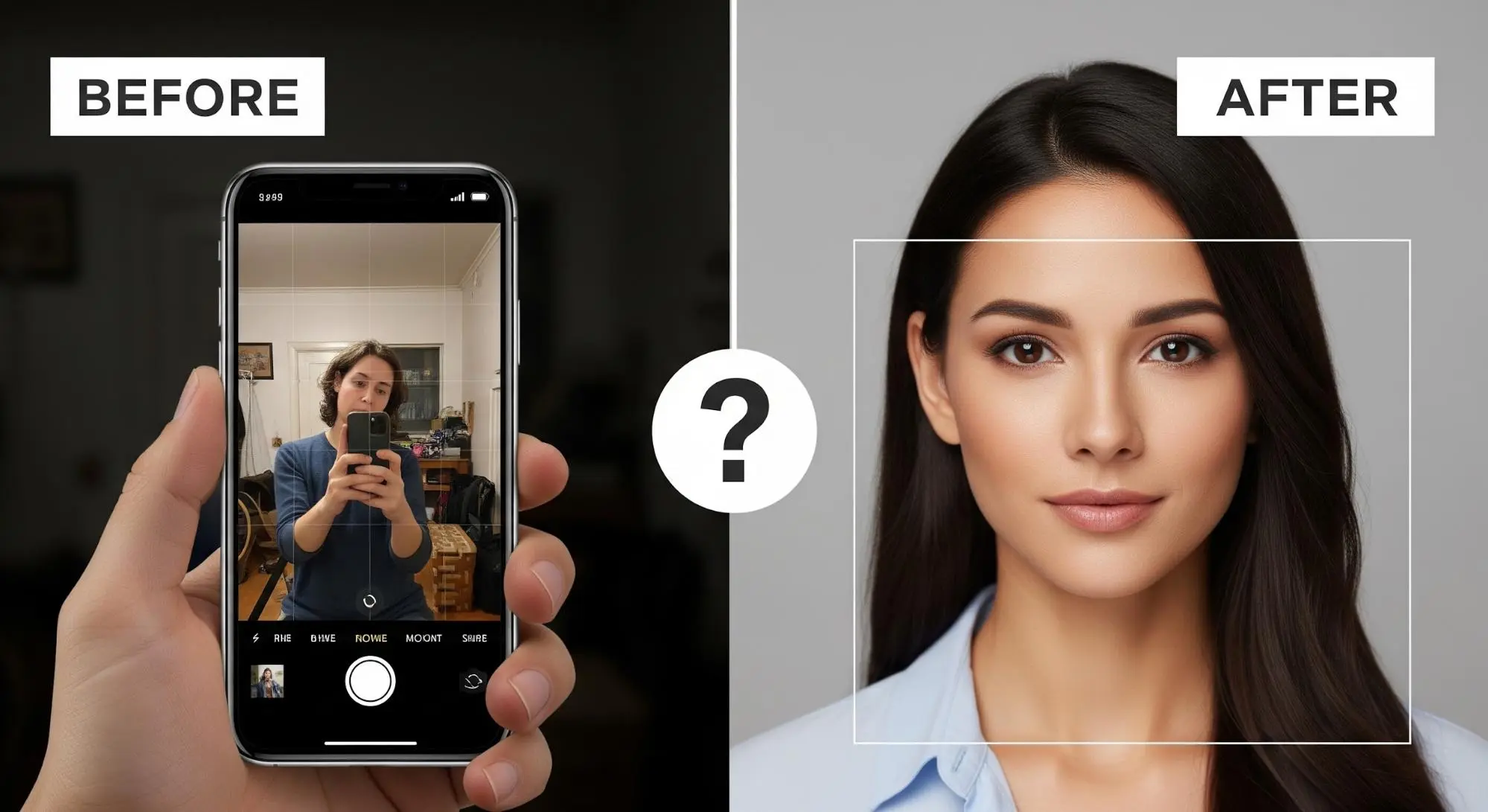
You can also take it one step further and use a headshot generator that can do something truly incredible. Take a number of photos of yourself and it generates a series of portraits in varying styles, lighting arrangements, and backgrounds which look like they were professionally taken. These aren’t simple filters. The output actually appears to be actual photographs in a studio. This is something to know to anyone who has ever had to pay several hundred dollars to have professional headshots taken.
Thinking About Style: What Fits Your Brand?
All professions do not require a profile picture of the same type. A creative director and a corporate lawyer are targeting entirely different atmospheres. After having a clean base image, consider what you are saying in your photo.
- Tone: Others desire warmth and friendliness. The rest desire something cutting and commanding.
- Elements: Even the color of your background, your clothes, or even your face contribute to this – and since AI tools allow trying out numerous different options within a matter of seconds, there is no harm in trying out several of them before getting on the same page.
- Creative Choices: Another thing worth mentioning is that certain platforms are beginning to experiment with illustrated or stylized versions of portraits. In case you have ever wondered how to make a photo look more memorable? make photo to cartoon tool – can be effective in less professional or less serious situations, such as in a personal brand or in social media where you want people to notice you visually. It does not apply in all situations, but it is a valid creative choice that should exist.
Common Mistakes to Avoid
Despite the presence of the great tools, a couple of inaccurate steps can disrupt the end product.
- Using a group photo: It is almost always awkward to cut oneself out of a group shot. Begin with a photograph that is taken on purpose.
- Going too heavy on filters: An image that is over-edited can be less credible than a candid image. The aim is not artificial but refined.
- Forgetting consistency: When you have various profile pictures with LinkedIn, in your web page and also in your email signatures, it gives a disjointed appearance. Take a powerful image and apply it everywhere.
- Ignoring the crop: The profile photos are presented in forms of a square or circle in most platforms. You would want to be sure that your face is in the middle of the frame, and you are not being cut off at the ears or the chin. It sounds very self-evident, but it is so easy to overlook it.
A Note on Exploring AI Creative Tools
Speaking of the use of AI image tools, it must be noted that the technology that powers the use of professional-headshot generators is an element of a significantly larger creative ecosystem. The same underlying powers drive all of the portrait enhancing tools, to even the more niche market such as a tattoo generator where a person can imagine what the ink would look like on his or her body before they commit.
The thing is that AI image creation has long since come past novelty. It is now a useful toolkit and professional profile pictures are only a few highly beneficial applications.
Wrapping It Up
It is really easy to have a selfie that appears as a professional profile picture than before. Most of the way there is good lighting and a pretty smart phone. AI headshot generators work with the rest. Crop and filter mistakes, including removing yourself in shots of a group, or over-filtering make it easy to avoid, and ensure that you are using the same image on all platforms.
A complete process may take less than an hour – and the outcome may make a genuine difference in the way people view you on the internet. It is a fairly good payoff on what is essentially cheap or free.
Electronics Insurance: When It’s Worth Covering Your Gadgets
Just Got a New iPad? What Are the First 10 Apps You Should Install?
Smart Yoga Mats and Devices for Improving Senior Flexibility