
How to install Raspbian on Raspberry pi? if you had taken the raspberry pi with its kits then it has pre-installed OS and you don’t need to install the Raspbian OS, but in the future, if you face any difficulties while booting the raspberry pi then this blog surely going to be helpful for the formatting and installing the raspberry pi.
Without wasting time let’s get to start the process of formatting the SD card of raspberry pi and reinstalling the Raspbian OS. Before going to start the procedure let’s install all necessary software which is going to help in the formatting SD card and then installing or flashing the Raspbian OS to the SD card.
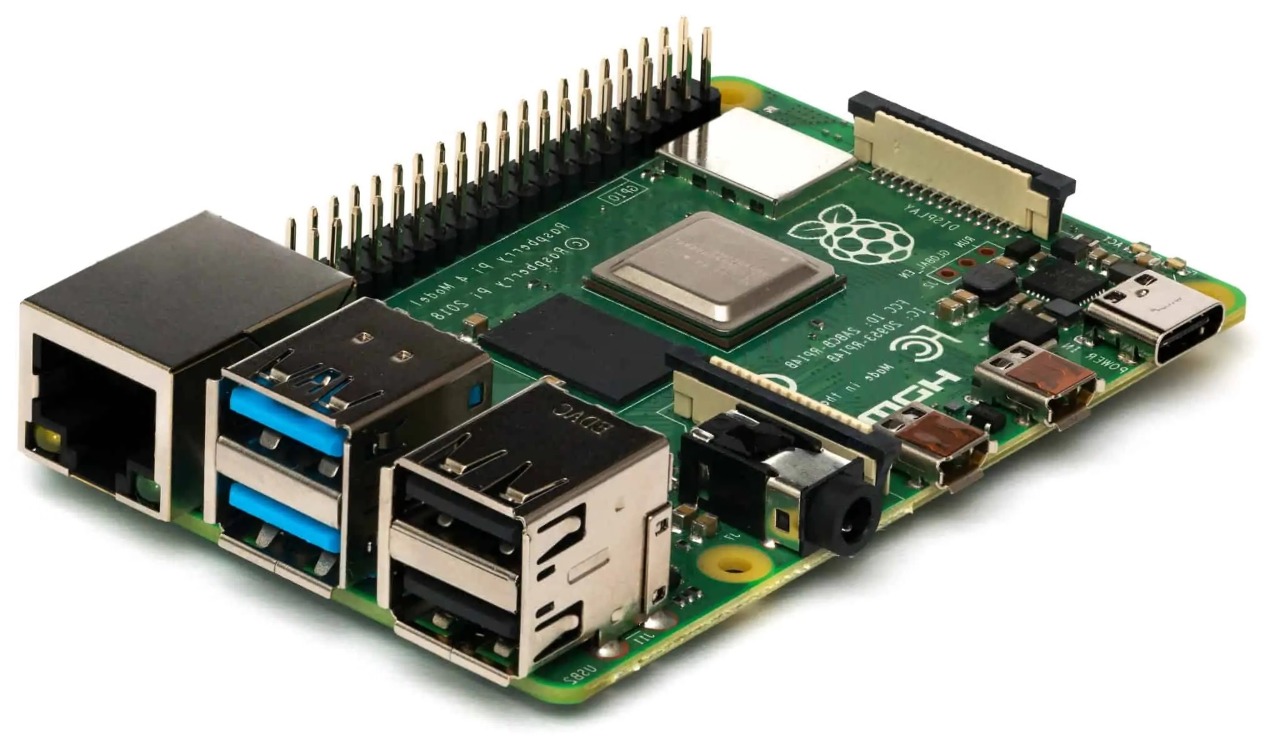
The first software is SD card formatter click here to download
The process for installing Raspbian on Raspberry pi.
- Click on the provided link, you will be redirected to the download page of link.
- Then select your respected (Windows/MAC) PC.
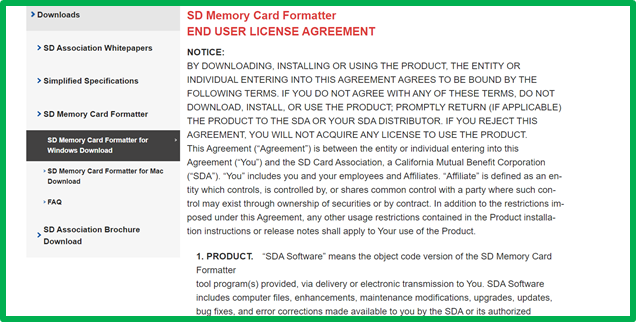
SD card formatter download page.
- After selecting the corresponding PC scroll down and accept the terms & conditions then it will start downloading the file. For your reference the screenshot is provided
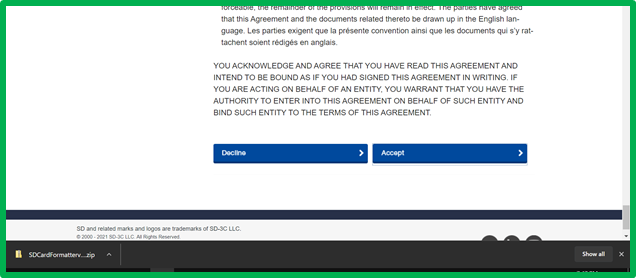
Downloading the File.
- Once the zip file is downloaded open it and install it on your computer.
The next software we will install balenaEtcher which helps flash OS images to SD cards & USB drives, safely and easily. To download it click on balenaEtcher
- Once you click on the link you will redirect to the home page of balenaEtcher Software. which will look like this,
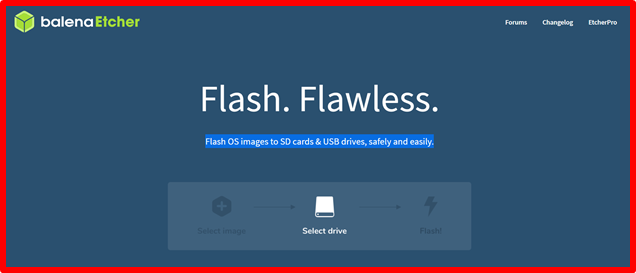 Home Page of belenaEtcher.
- Once you reach that page there is a dropdown arrow button which shows you various OS(Windows/Mac) system download which one is suitable for your computer.
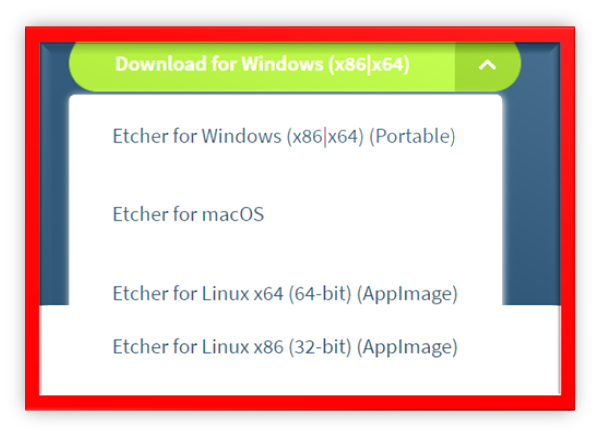 For Selecting PC OS
- After downloading the balenaEtcher zip file install it into your computer.
The 3rd and most important software we will going to download is Raspbian OS. Kindly click on Raspbian OS which will redirect to you on the download page of Raspbian OS
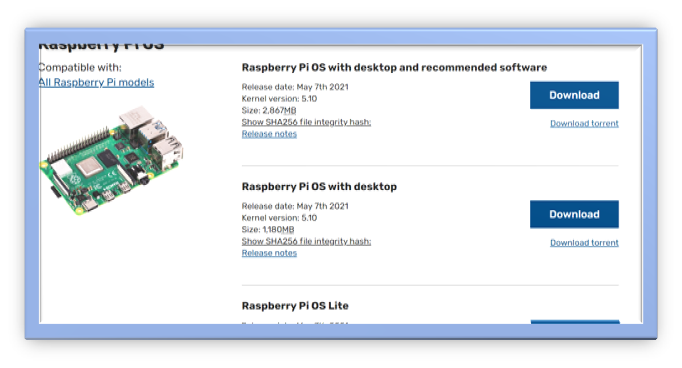 Raspbian OS
- Now click on the download button whichever you want to download, I’ll refer you to download the 1st one which sizes 2867MB.
- Kindly do not try to install Raspbian OS on your PC. Now leave this as it is. Further in the blog, we tell you what to do.
With this, we finished the installation of all necessary software. Now, let’s start the burning process of the SD card and flashing Raspbian OS.
- Remove SD card from the raspberry pi and
- Then insert the SD card into the SD card reader.
- Connect SD card reader with your laptop/PC.
- Open the SD card formatter app it will automatically detect the SD card then select in formatting option overwrite format option
 SD card Formatter – install Raspbian on Raspberry pi.
- Now click on the Format Button, in my case, I didn’t connect the card reader that’s why the above screen appears with inactive buttons.
- And open the balenaEtcher App it will flash Raspbian OS into your SD card in three simple steps.
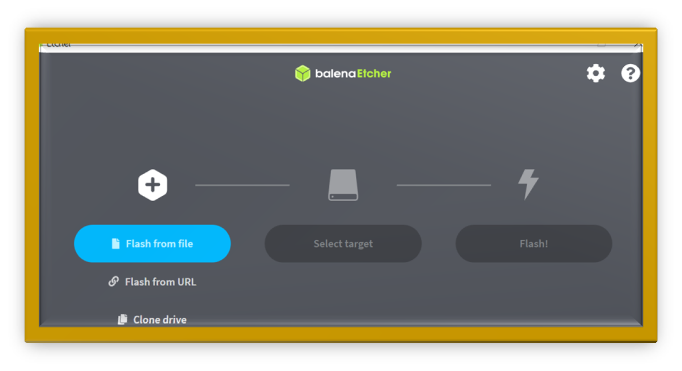 balenaEtcher Home page showing three simple steps
- First, click on the flash from file button it will redirect to your file explorer app and now select your Raspbian OS zip file and click on the open button.
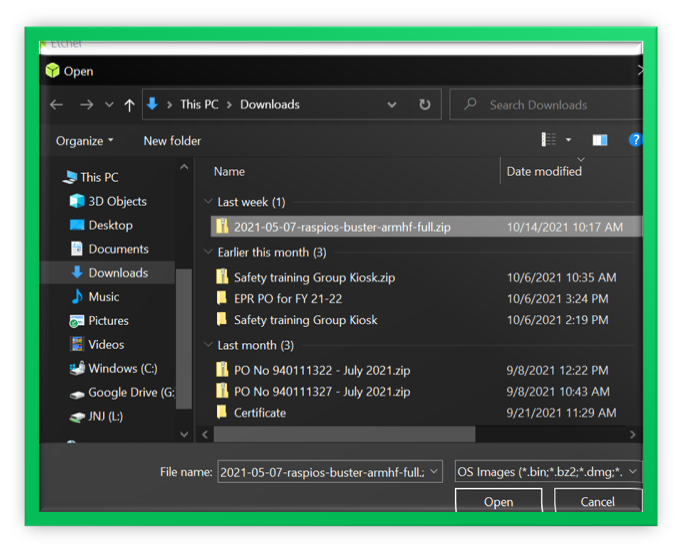 Selecting Raspbian OS from file explorer
- Once your Raspbian OS is selected then move to the next steps which is selecting the target where you want to install your Raspbian OS, just click on select target it will redirect to you a screen where you will see all connected devices then select your SD card reader device in which memory card loaded.
- Once these 2 steps are done then simply click on the Flash button and now balenaEtcher will take some and the rest of the job will do balenaEtcher for you. Now just wait and watch.
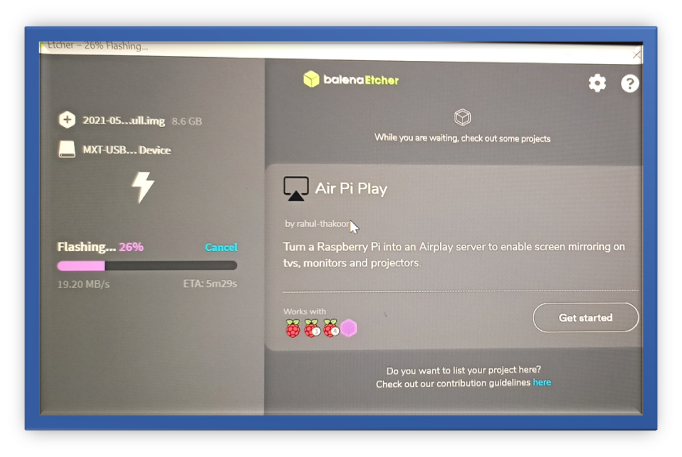 balenaEtcher Flashing Raspbian OS into SD card
- Once flashing is finished then it will validate things and once validation was done then you can remove the SD card and insert into again in Raspberry Pi. and then boot it takes some time there is you need to perform mandatory setup part, and it’s not very difficult, you were asked for some simple question like your country, Time Zone & Password, Username, etc. by default the
- username: pi &
- Password: raspberry
- Now you will see the Raspberry Pi desktop which looks like below.
All links:
- SD card Formatter: https://www.sdcard.org/downloads/formatter/sd-memory-card-formatter-for-windows-download/
- balenaEtcher: https://www.balena.io/etcher/
- Latest Raspbian OS: https://www.raspberrypi.com/software/operating-systems/
Raspberry Pi LED Brightness Controller
One of the best articles I’ve read on this topic.
Or you can go to the official site, download and install Imager for any OS and install various RPi OSes by just clicking one button.